
Article written for The Articulate Method website.
How to pause instead of saying “um” during a presentation
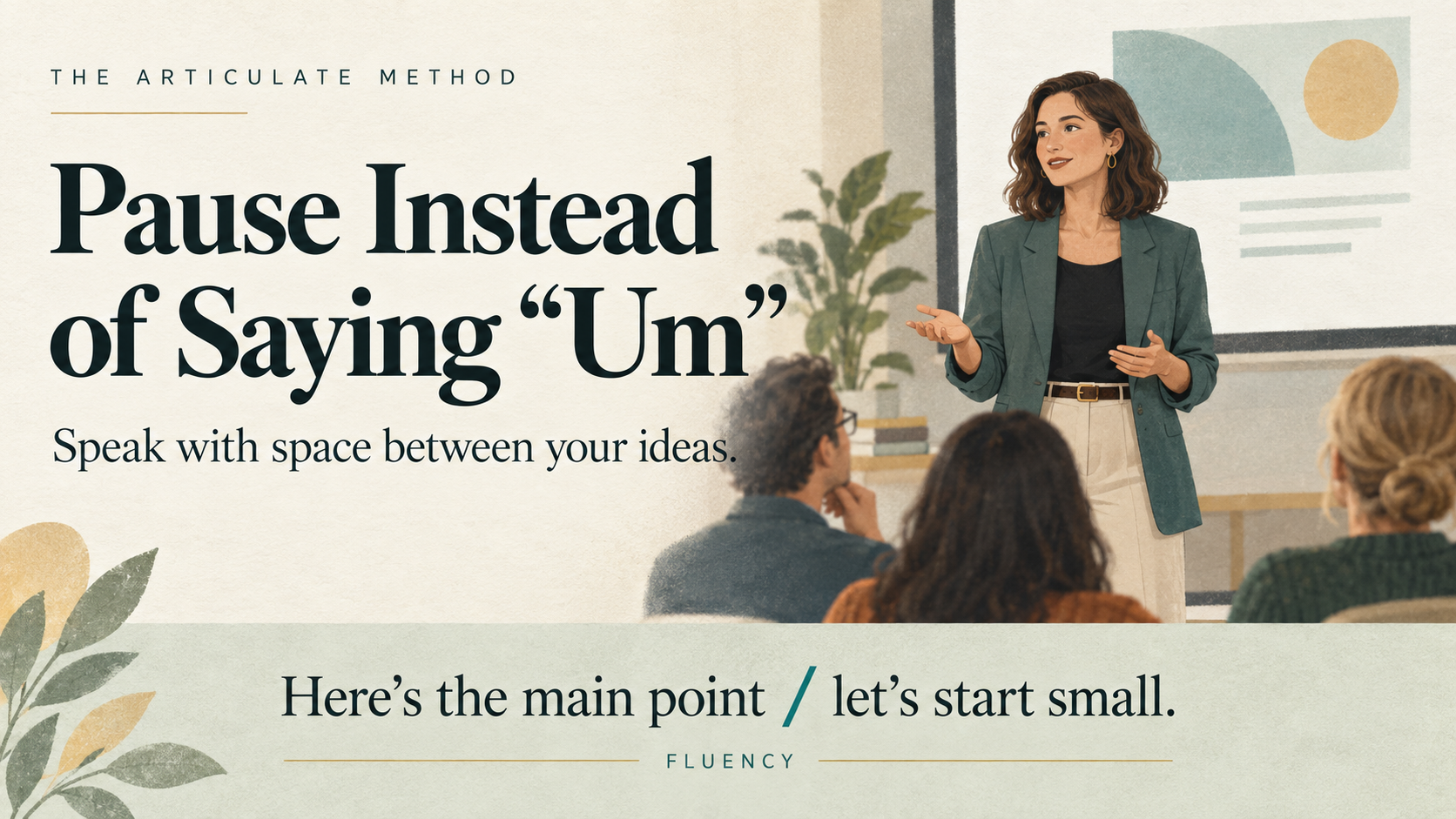
To pause instead of saying “um,” practise finishing a short thought, leaving a comfortable moment of silence, and then beginning the next idea. Start with planned pauses in your rehearsal rather than trying to catch every filler while presenting.
“Today, I’ll explain the proposal. / Then we’ll look at the next steps.”
The slash marks a possible pause. You do not say it aloud.
Your goal is clear, natural delivery. An occasional “um” does not ruin a presentation, and you do not need to eliminate every hesitation to communicate well.
Do you need to remove every filler?
No. Sounds such as “um” and “uh” occur in spontaneous speech. They can signal that a speaker is still forming a thought. Words often labelled as fillers—such as “well” and “so”—can also help organise a conversation.
Linguist Valerie Fridland explains that these expressions can serve thinking and conversational functions. Treating every instance as a mistake overlooks those roles. TIME: How to, Like, Stop Saying Filler Words
For a prepared presentation, you may still want to reduce repeated fillers that interrupt the message or distract you during playback.
“I will leave space between my ideas.”
That gives you something to do, rather than a rule to keep checking while you speak.
Toastmasters also recommends incorporating pauses as a practical alternative to unnecessary fillers. Toastmasters: Less Filler, More Substance
Find where your fillers appear
Before changing your delivery, listen to a short sample.
Choose approximately one minute of your presentation. Say it aloud and, if helpful, record it privately on your own device.
Notice where repeated fillers appear:
- Before your first sentence.
- Between two ideas.
- While changing slides.
- Before an unfamiliar name or technical term.
- When you are searching for an example.
- After you have already completed your point.
These are observations, not explanations of your personality or confidence.
Your next practice step should fit the pattern.
If you hesitate before a technical term, rehearse that phrase and check that you understand it. If you repeatedly say “um” during slide changes, practise the transition itself.
Simply telling yourself to pause may not resolve uncertainty about what you want to say.
Four places to practise a pause
1. Before your opening sentence
You do not need a dramatic silence. Give yourself a comfortable moment to begin.
Instead of starting immediately with:
“Um, so, today I’m going to…”
Practise starting with:
“Today, I’ll show you how the new process works.”
2. After a complete thought
Finish the first idea before introducing the next. This is often easier to practise than trying to interrupt a filler halfway through a sentence.
Practise starting with:
“The current process has three steps. / The first is checking the request.”
3. During a slide transition
Pause while the slide changes. Then direct the audience to the relevant information. Rehearse this with the actual slides, so the movement and the words become part of the same practice.
Practise starting with:
“That completes the overview. / Let’s look at an example.”
4. Before an important recommendation
The pause separates the introduction from the recommendation. Use this selectively. If every phrase is surrounded by long pauses, the delivery can become fragmented.
Practise starting with:
“My recommendation is this: / start with a small trial.”
Five before-and-after examples
These fictional examples show places where a pause could replace a hesitation. The slash marks are rehearsal cues, not fixed timing instructions.
1. Opening the presentation
Before
“Um, today I’m going to explain, uh, our proposal.”
Practice version
“Today, I’ll explain our proposal. / I’ll cover the problem, the approach, and the next step.”
What to practise: Know your opening idea before you start. Leave a pause after introducing it.
2. Moving to another point
Before
“We’ve looked at the timeline, um, and now, uh, the budget.”
Practice version
“We’ve looked at the timeline. / Now let’s look at the budget.”
What to practise: Complete the transition in two clear parts.
3. Introducing an example
Before
“This can create confusion, um, like, when someone gets two different instructions.”
Practice version
“This can create confusion. / For example, someone may receive two different instructions.”
What to practise: Separate the claim from the example. The phrase “for example” helps explain the relationship between them.
4. Reading information from a slide
Before
“There are, um, three stages, and the first one is, uh, preparation.”
Practice version
“There are three stages. / The first is preparation.”
What to practise: Orient yourself to the slide before speaking. Avoid beginning a sentence while still searching for the information.
5. Finishing a recommendation
Before
“I recommend testing it with one team, um, so, yeah.”
Practice version
“I recommend testing it with one team. / We can review the feedback before expanding it.”
What to practise: Finish the recommendation. Add a next step only if it contributes useful information. You can also stop after the first sentence if the next step has already been explained.
A presentation script to practise
The following script is an original practice example, not a report of an actual project.
Use:
- / for a brief pause.
- // for a more noticeable break between sections.
Do not count seconds. Let the meaning guide the spacing.
Today, I’d like to propose a simpler handover process. //
At the moment, updates are spread across messages and separate documents. / That can make it difficult to see what still needs attention. //
My suggestion is a shared checklist. / Each item would show the task, the owner, and its current status. //
We could try it with one team first. / At the end of the trial, we would ask what helped and what needed changing. //
The decision today is whether to run that trial.
First reading: Follow the markings
Read slowly enough to notice the boundaries.
Keep the words within each phrase connected. Avoid inserting a pause after every few words.
Second reading: Use your natural voice
Repeat the script at a comfortable pace.
Keep the pauses that help. Shorten or remove any that feel unnecessary.
Third reading: Speak from notes
Use only these prompts:
- Current problem.
- Shared checklist.
- Small trial.
- Decision needed.
Express the ideas in your own words. Keep a pause between the main points.
The aim is to transfer the structure into speaking, rather than memorise the paragraph.
A five-minute rehearsal exercise
Minute 1: Choose a short section
Select an opening, transition, or explanation from your own presentation.
Work with a manageable section instead of trying to change your entire talk at once.
Minute 2: Mark three useful pauses
Look for:
- The end of a complete idea.
- A transition.
- The start of an example or recommendation.
Three is a convenient starting point, not a required number.
Minute 3: Speak aloud
Follow the markings. Keep breathing naturally and allow your mouth and jaw to stay comfortable.
If you say “um,” continue. Do not restart the whole section.
Minute 4: Review one pattern
Ask:
- Did I complete my thoughts?
- Did the pauses fit the meaning?
- Was there a place where I did not know what to say next?
- Did I rush after a pause?
If you recorded yourself, listen for the specific section you practised. Avoid judging every feature of your voice.
Minute 5: Repeat with one change
Choose one adjustment:
- Clarify an uncertain sentence.
- Shorten a difficult phrase.
- Rehearse a slide transition.
- Leave space after the main point.
Notice whether the message becomes easier to deliver and follow.
What to do if you say “um” anyway
Continue with your message.
You do not need to apologise, correct the sound, or restart the sentence. During a live presentation, your attention is better directed towards the idea and the audience.
If you lose the thread, use a brief reset:
- “The main point is…”
- “Let me explain that another way.”
- “What this means for the team is…”
These phrases should help you communicate something. Avoid repeating them automatically in place of another filler.
If you genuinely need to check information, say so:
“Let me check that figure before I answer.”
A pause should not become pressure to guess.
Frequently asked questions
How long should I pause instead of saying “um”?
There is no single correct duration. Leave enough space to prepare the next phrase without deliberately stretching every silence. Practise listening to the whole passage rather than timing each pause.
Will pauses make me sound as if I have forgotten my presentation?
A pause between clear ideas can fit naturally into a presentation. If you have genuinely lost your place, check your notes or use a brief reset. You do not need to disguise every thinking moment.
Should I count all my filler words?
You can count them if it helps you notice a pattern, but the total is only one observation. Also review whether your message is understandable, your examples are relevant, and your delivery feels comfortable.
Should I replace “um” with “so” or “basically”?
Use those words when they contribute meaning. Replacing one repeated expression with another does not necessarily improve the message.
What if I use more fillers during questions than in the presentation?
Practise answering likely questions aloud as well as rehearsing the prepared talk. Give yourself time to understand the question, select your main point, and respond. It is reasonable to ask for clarification.
Can I use this exercise when speaking English as an additional language?
Yes. Choose familiar content first, then practise more demanding phrases. You do not need to remove your accent or speak without hesitation to give a useful presentation.
Choose one pause for your next presentation
Start with a small change: finish your opening sentence and leave a comfortable pause before continuing.
Once that feels familiar, practise another transition.
Visit the Articulate Method Resources library and look for Replace Fillers With Pauses for a guided exercise.